
Google Play Store
Google Play Store is Google's digital distribution platform for Android, used to find, install and update apps, games and books.
101.1 MB
6.3.3 · PIPS Tech · Page updated
AppLock by PIPS Tech is a free Android app that locks selected apps behind a code, so other people using your phone cannot open them.
Average 0.0 · ratings: 0
Thank you! Your rating is saved; you can change it. Could not save the rating. Please try again later. Too many ratings from your network today. Please try again tomorrow. The average appears after 5 ratings.
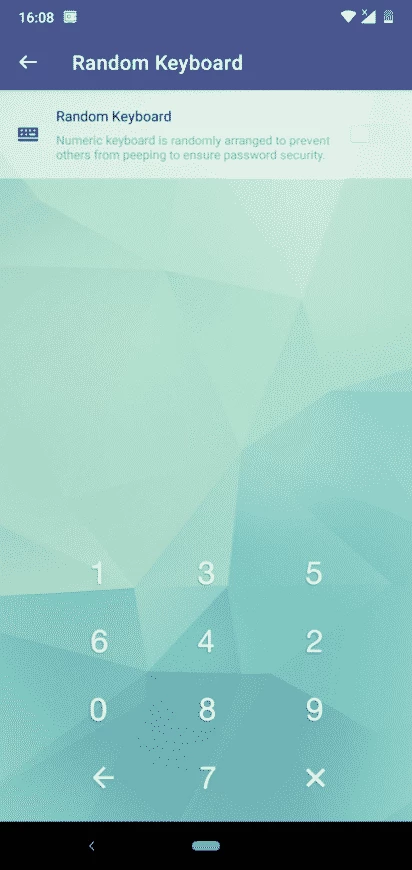
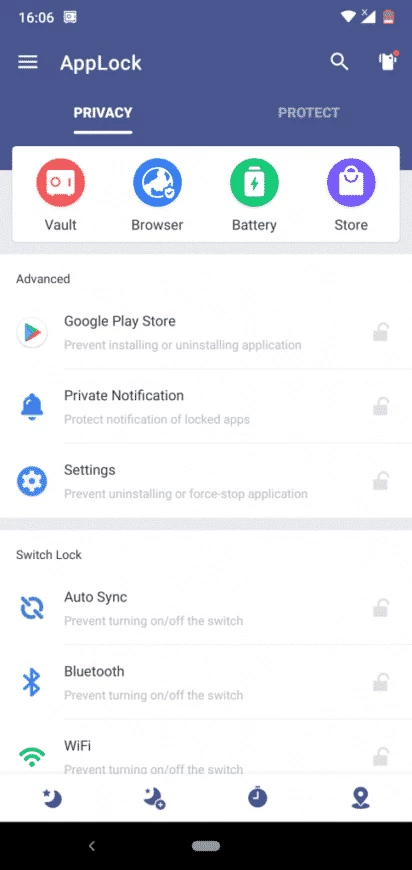
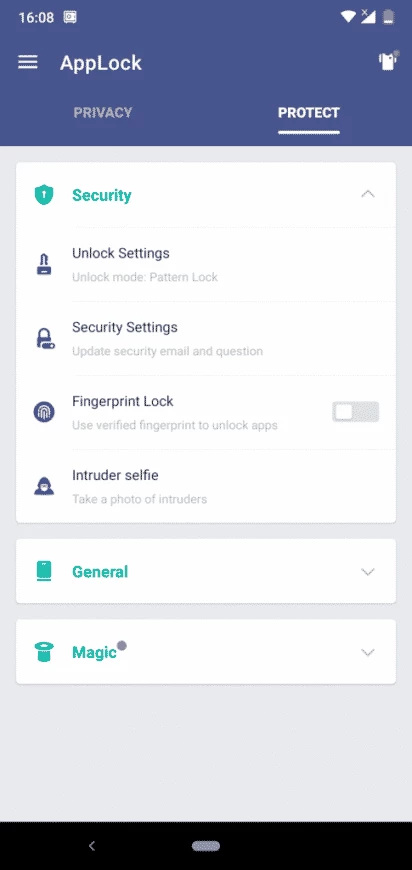
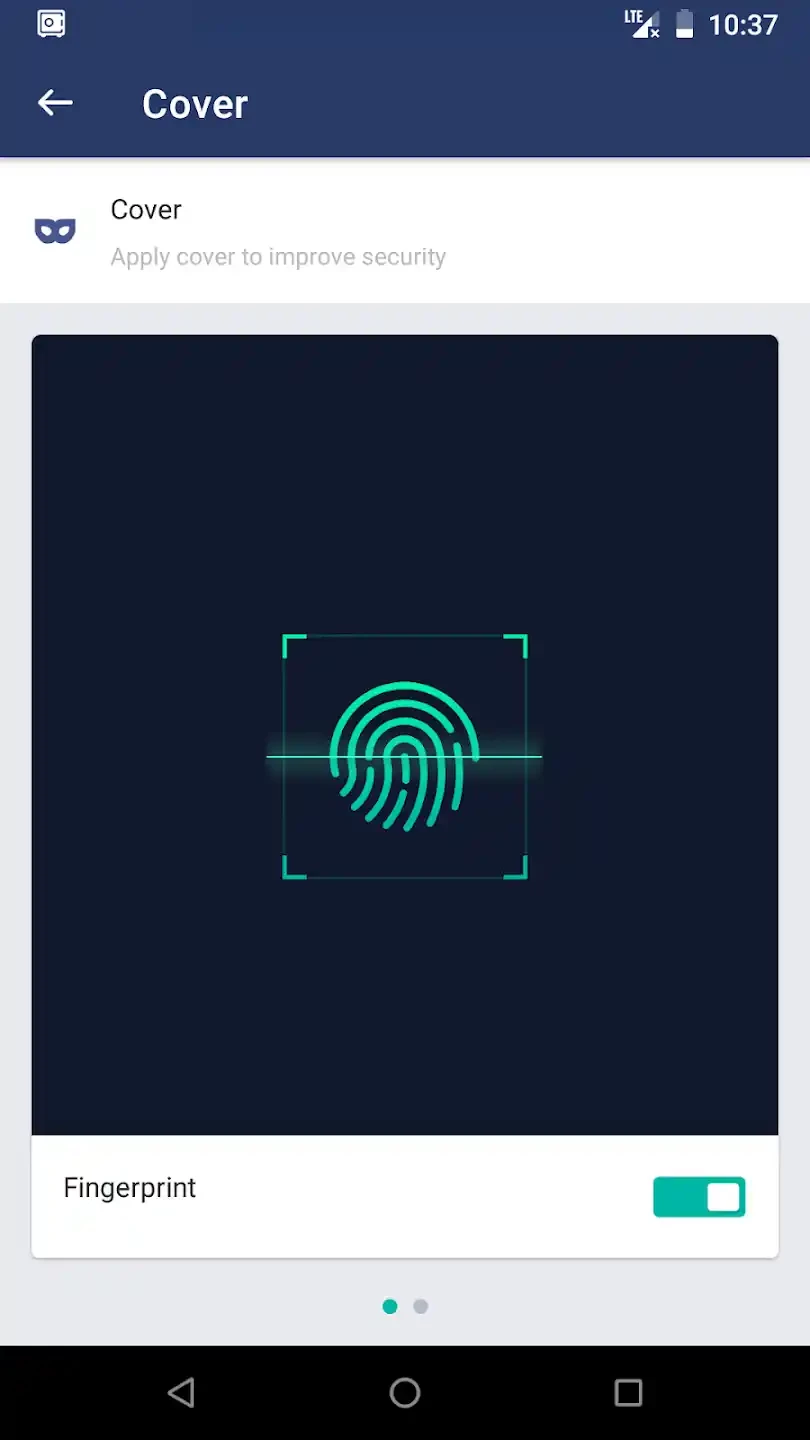
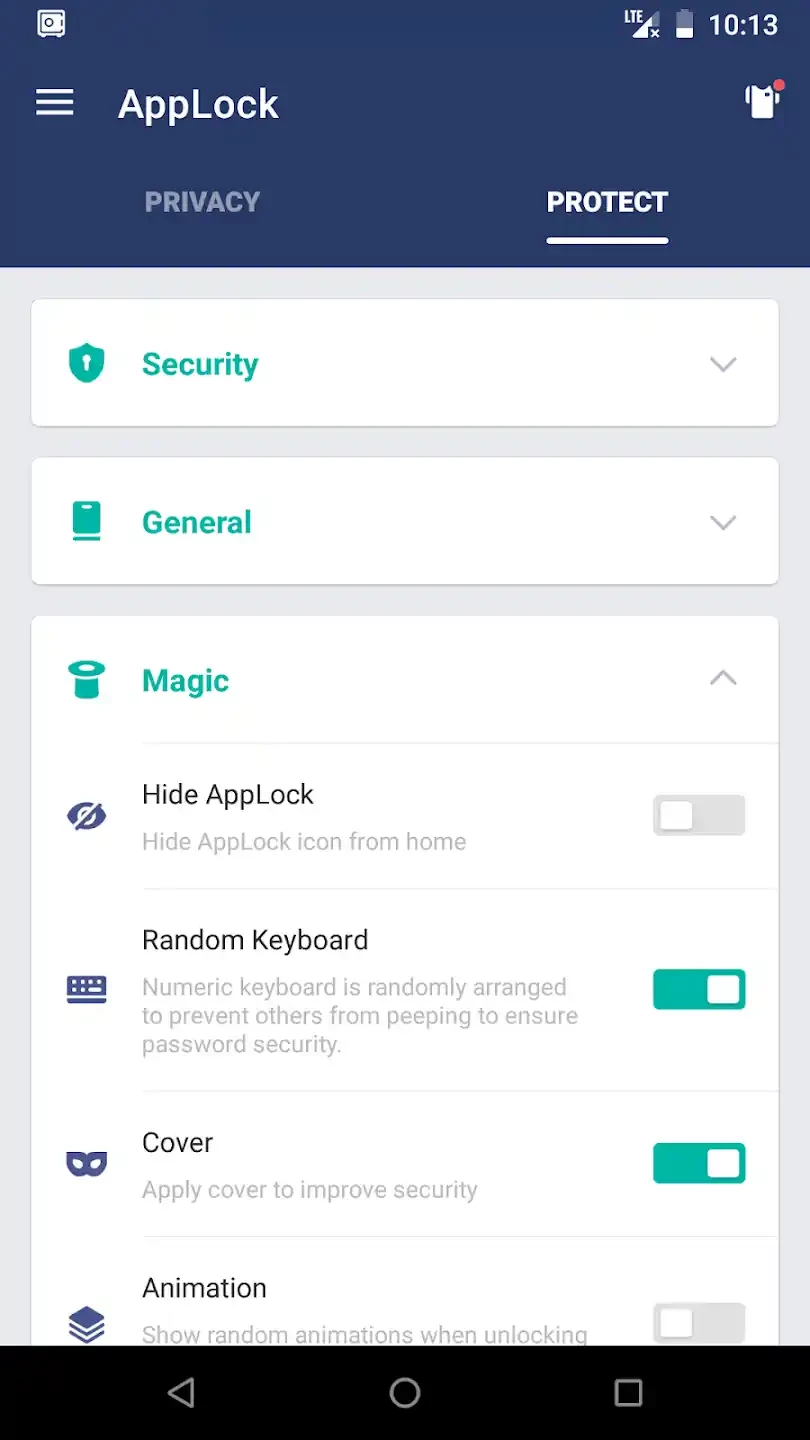
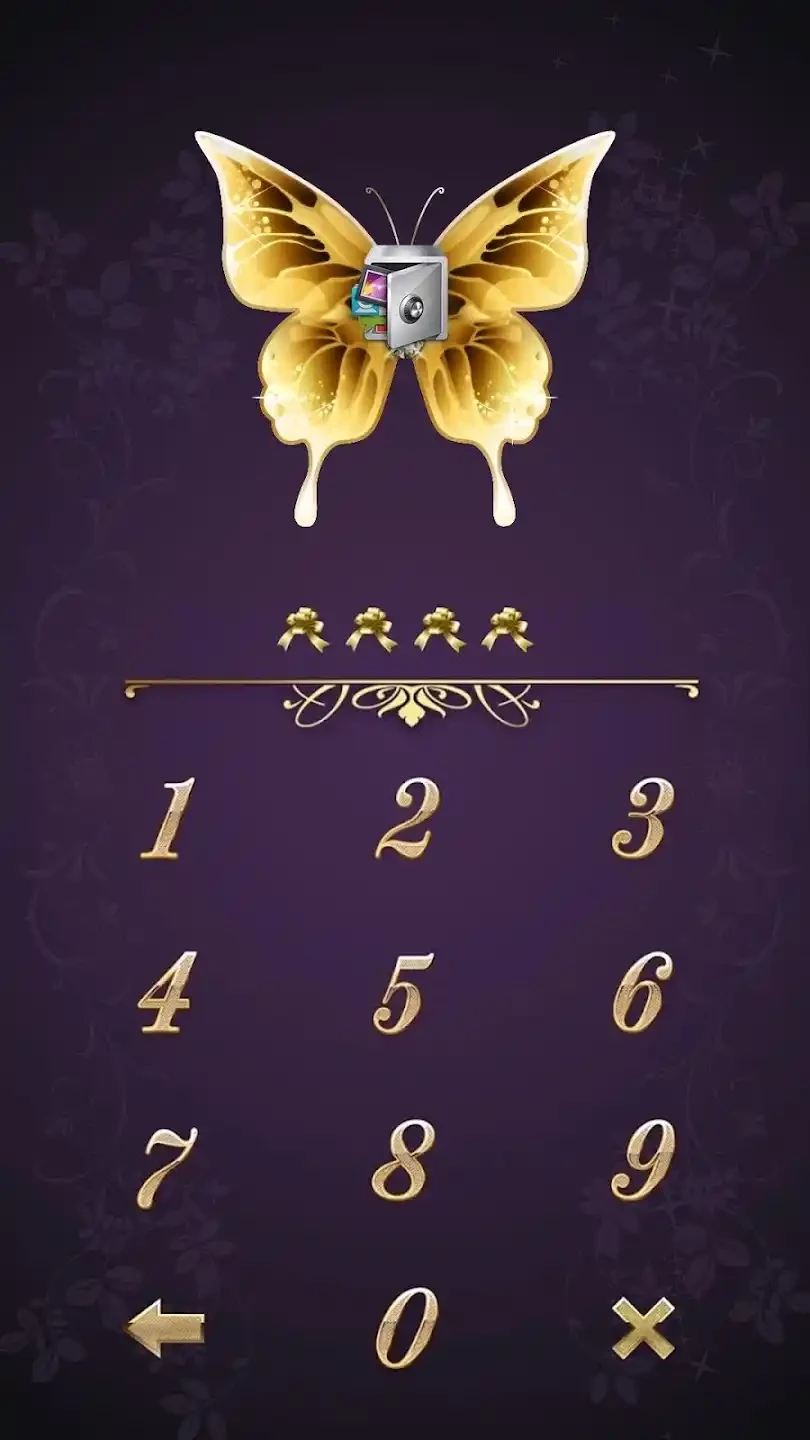
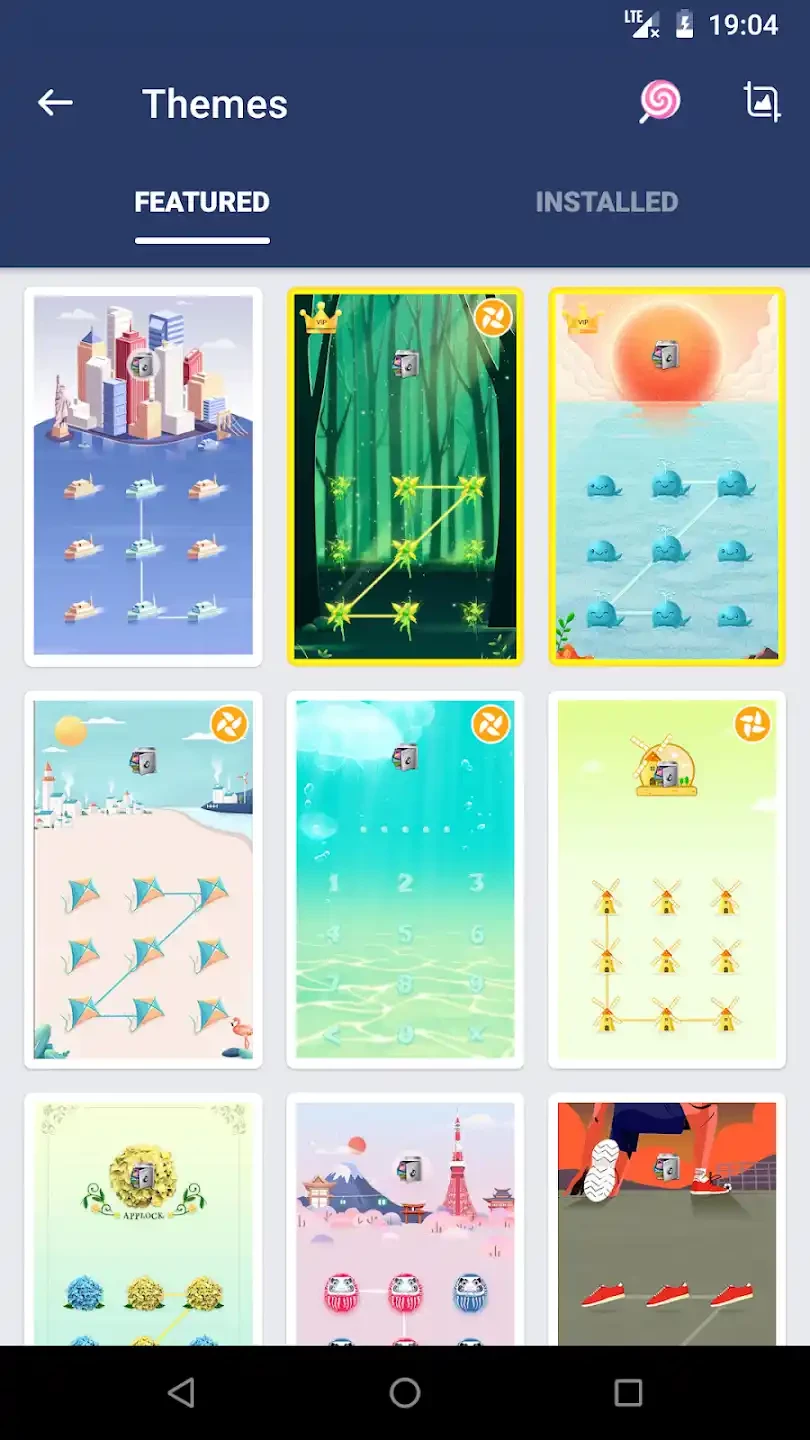
AppLock 6.3.3 is a free Android app from PIPS Tech that puts a lock on the apps you choose. You can download AppLock for Android to keep messengers, photos or banking apps closed to anyone who borrows your phone.
A screen lock protects the phone as a whole, but once it is unlocked, every app is open. That is a problem when you hand the phone to a child, a colleague or a friend to show a photo or make a call. AppLock adds a second layer: you pick individual apps, and each time one of them is opened, AppLock asks for your code first. Everything else on the phone works as usual. People use it to keep chats private, to stop children from making purchases in games or changing settings, and to hide a gallery from curious eyes. It does not encrypt data inside the apps; it only controls who can open them on this device. That distinction matters: if someone knows your screen lock and has time to uninstall AppLock, the protection is gone, so treat it as a privacy tool rather than a vault.
To work, an app locker needs permissions that let it watch which app is in front and draw over other apps. That is normal for this kind of tool, but it also means you should install it only from Google Play or the developer's official site. Copies from APK sites may be modified to collect data. Keep the phone's own screen lock on as well, since AppLock alone does not protect the device.
The developer does not publish a separate requirements list in our data. AppLock needs an Android phone or tablet, and the permission screens can look different depending on the manufacturer's version of Android.
AppLock is listed as freeware. Free lockers are often supported by ads, so expect some advertising inside the app.
Keep a note of your code somewhere safe until you remember it. If you forget it, removing the app from Android settings is usually the only way back, which also removes all locks.
Other Android tools on our site with a similar purpose include Calculator Lock HideX, which hides files behind a calculator screen, and DualSpace, which runs second copies of apps.
Google Play Store is Google's digital distribution platform for Android, used to find, install and update apps, games and books.

APKPure is a third-party app marketplace for Android that installs apps from APK files outside Google Play. This page covers version 3.20.7803.

Aptoide is an open-source alternative app store for Android, running since 2009. This page covers version 9.22.5.3.

QuickShortcutMaker is a small Android tool for creating home screen shortcuts to specific screens of installed apps, including hidden settings.